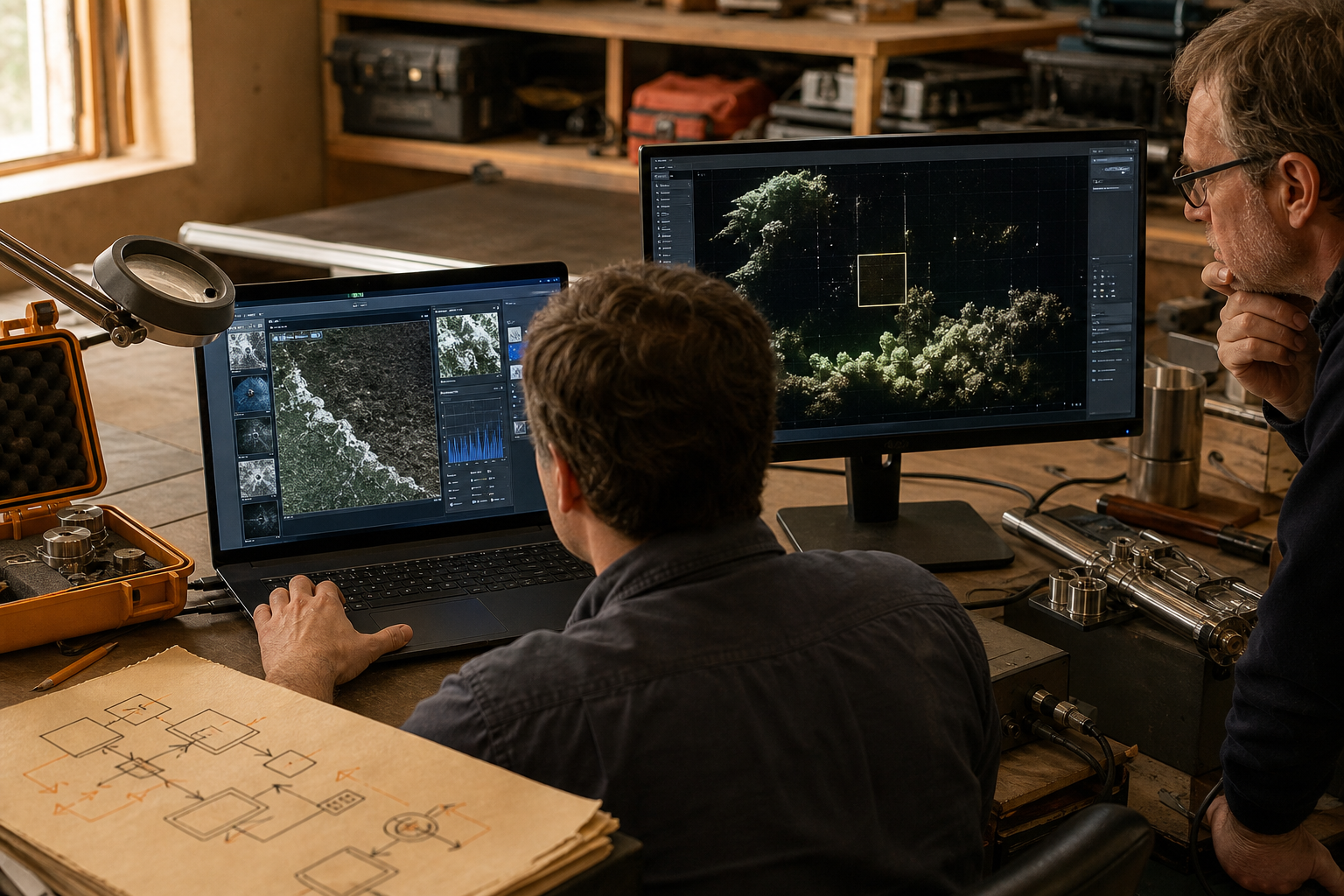
The path we document
- The Windows workstation and its local configuration.
- The MobaXterm session and X11-forwarding setting.
- The SSH route, including any gateway.
- The remote shell environment and application dependencies.
- The display behavior, network conditions, and operator support path.
What official documentation establishes
Mobatek documents an embedded X server and X11 forwarding through SSH, including automatic display redirection in supported session workflows. We use that as a factual starting point. Application compatibility, graphics performance, and institutional controls still require environment-specific review.
Troubleshooting record
| Observation | First boundary to inspect |
|---|---|
| No window appears | Session forwarding, remote DISPLAY state, and SSH route |
| Window opens slowly | Network latency, compression choice, and application behavior |
| Graphics render incorrectly | Application libraries, X extensions, and workstation graphics path |
We produce a repeatable diagnostic path—not a promise that every remote graphical application will behave identically.